Guide · Sentry → Grok Bot · Verified November 1, 2026
Sentry to Grok Bot webhook guide
Short answer: One Sentry endpoint verifies each delivery, a destination filter keeps the events in this guide, and every match is delivered to Grok Bot with its own retry schedule and delivery log.
Sentry is the loudest source in the stack, so the filter matters more than the template. This guide sends only new issues at error or fatal level from one project, with the culprit and permalink, and lets the agent start its investigation from the same page an engineer would open.
At a glance
1. Configure the Sentry webhook
- In Sentry, open Settings → Developer Settings → Custom Integrations and create an Internal Integration.
- Set the Webhook URL to the endpoint's ingestion URL and subscribe to issue and alert resources.
- Copy the Client Secret into the Hooks endpoint secret.
- Enable Alert Rule Action if you want `event_alert.triggered` deliveries, then trigger a new issue.
HMAC-SHA256 over the raw request body, hex encoded, constant-time compared. No timestamp header; replay protection relies on Request-ID deduplication.
2. Filter to the events that matter
Filters run per destination before rendering, so a non-matching event is stored with no delivery and no agent call. The rules below are the difference between a useful pairing and a noisy one.
Filter: new error-level issues
{
  "allow": [
    { "field": "event.type", "op": "equals", "value": "issue.created" },
    { "field": "event.subject.level", "op": "in", "value": ["error", "fatal"] }
  ],
  "senders": { "allow": { "logins": ["octocat"] } }
}
3. Configure the Grok Bot destination
A Hooks destination POSTs one JSON task to your Grok Bot routine URL with a Bearer key; a 2xx means the task was queued. Configure the routine URL and key once, then map event fields into the task template.
Destination: Grok Bot routine
{
  "routineUrl": "https://grok.example.com/routines/abc123",
  "key": "{{secret.GROKBOT_KEY}}",
  "task": "Investigate a Sentry issue in {{event.project}}: {{event.subject.title}}\n{{event.subject.body}}\n{{event.subject.url}}"
}
Secrets enter configs only as {{secret.NAME}} references; literal credentials are rejected. Full Grok Bot target guide
4. Verify the delivery and its retries
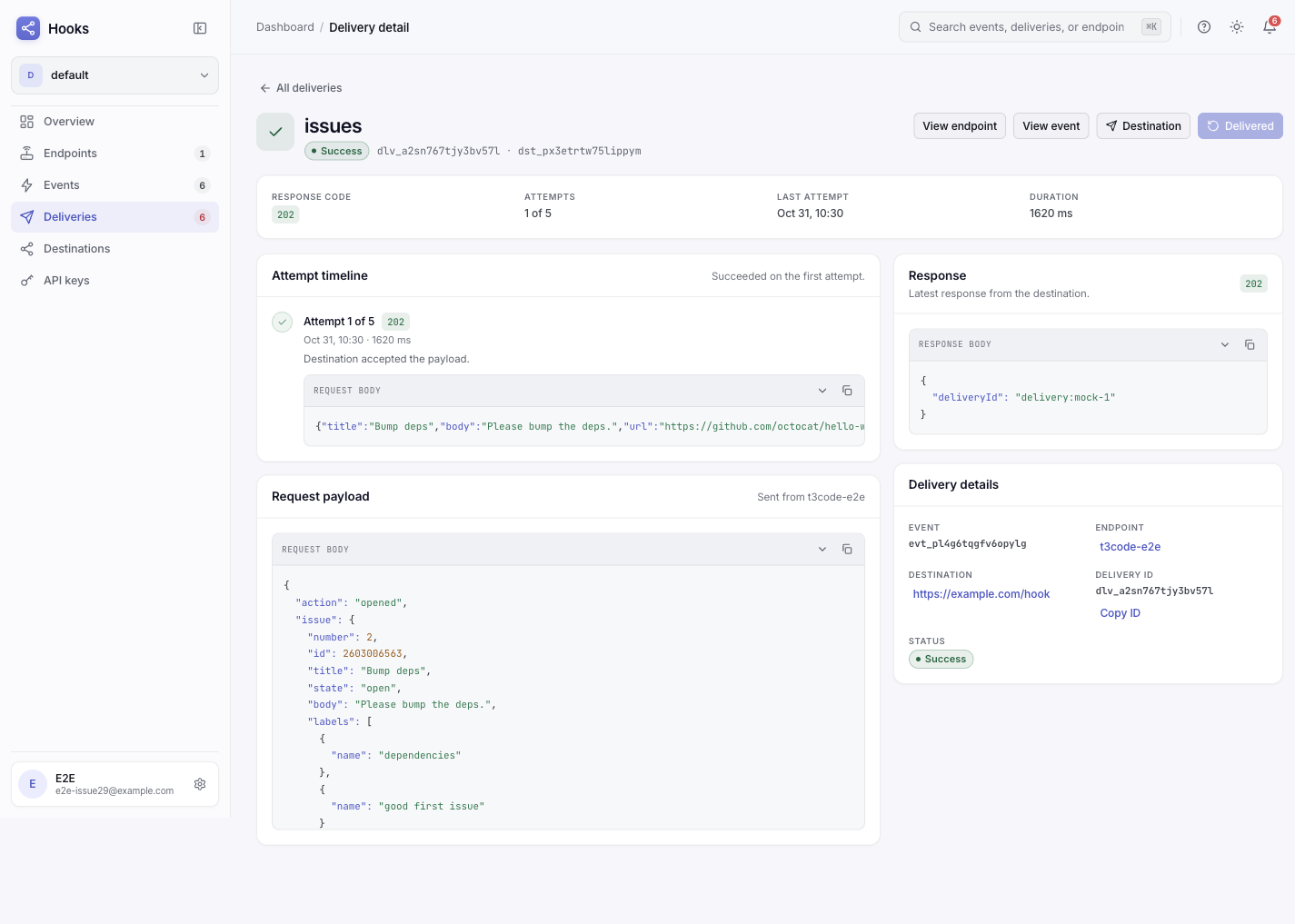
Send one real event from the source, then open Deliveries. A 2xx from the target means accepted, not finished. 408, 425, 429 and 5xx retry with backoff honoring Retry-After; other 4xx fail permanently with a named code. The rendered request is stored per attempt, so a bad field path is visible without re-sending.
The pitfall this pairing hits
Alert Rule Action is a separate switch. event_alert.triggered only appears when the Internal Integration has Alert Rule Action enabled and an alert rule uses it. Subscribing to issues alone never produces alert events.
Frequently asked questions
Do I need one endpoint per source or one per destination?
One endpoint per source. Each destination under that endpoint carries its own filter, template, retry schedule, and delivery log, so the same event can feed several targets without duplicate ingress URLs.
What happens while the target is down?
Retryable failures back off and retry within the destination's window; permanent 4xx failures stop immediately. Either way, the original event stays stored, so after fixing the target you replay the event instead of asking the source to send it again.
Alert Rule Action is a separate switch
event_alert.triggered only appears when the Internal Integration has Alert Rule Action enabled and an alert rule uses it. Subscribing to issues alone never produces alert events.